 Skip to content
Description
Organize Prior Authorization and Insurance Workflows
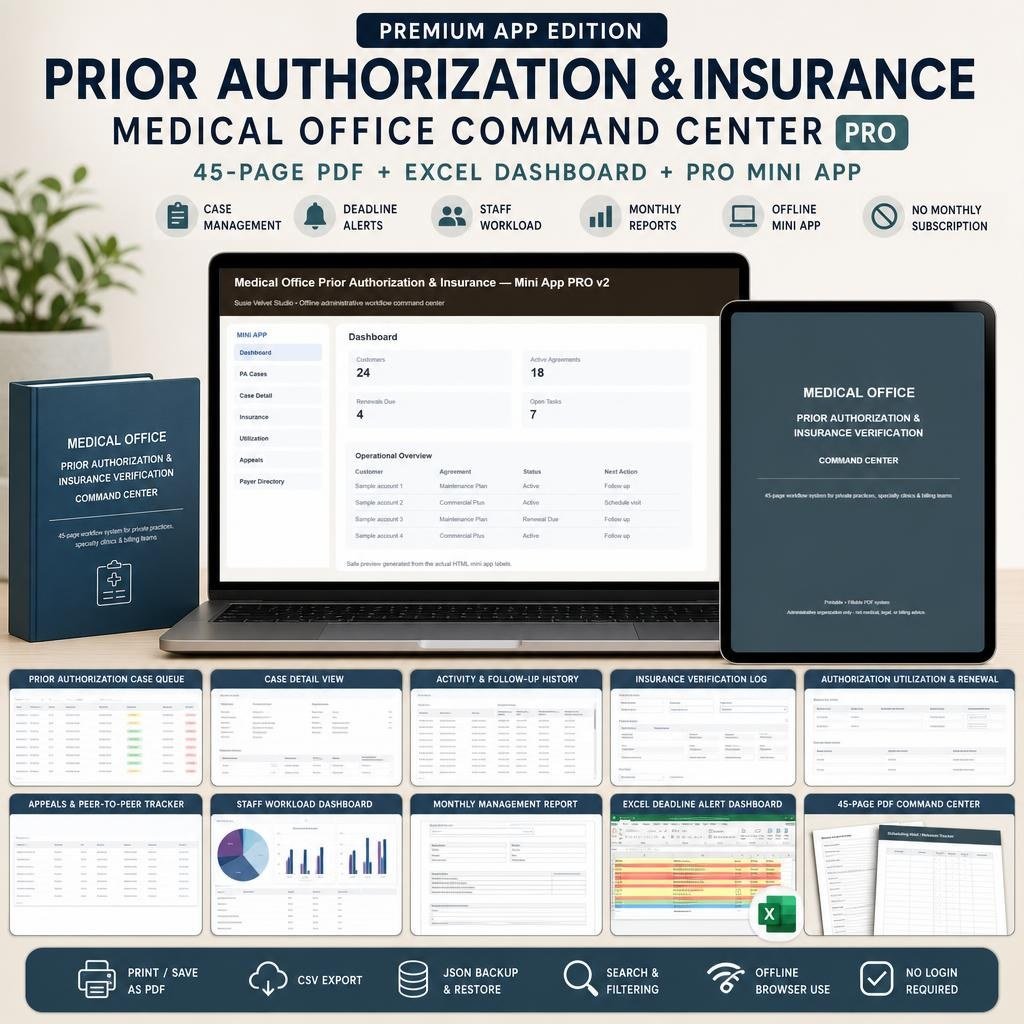
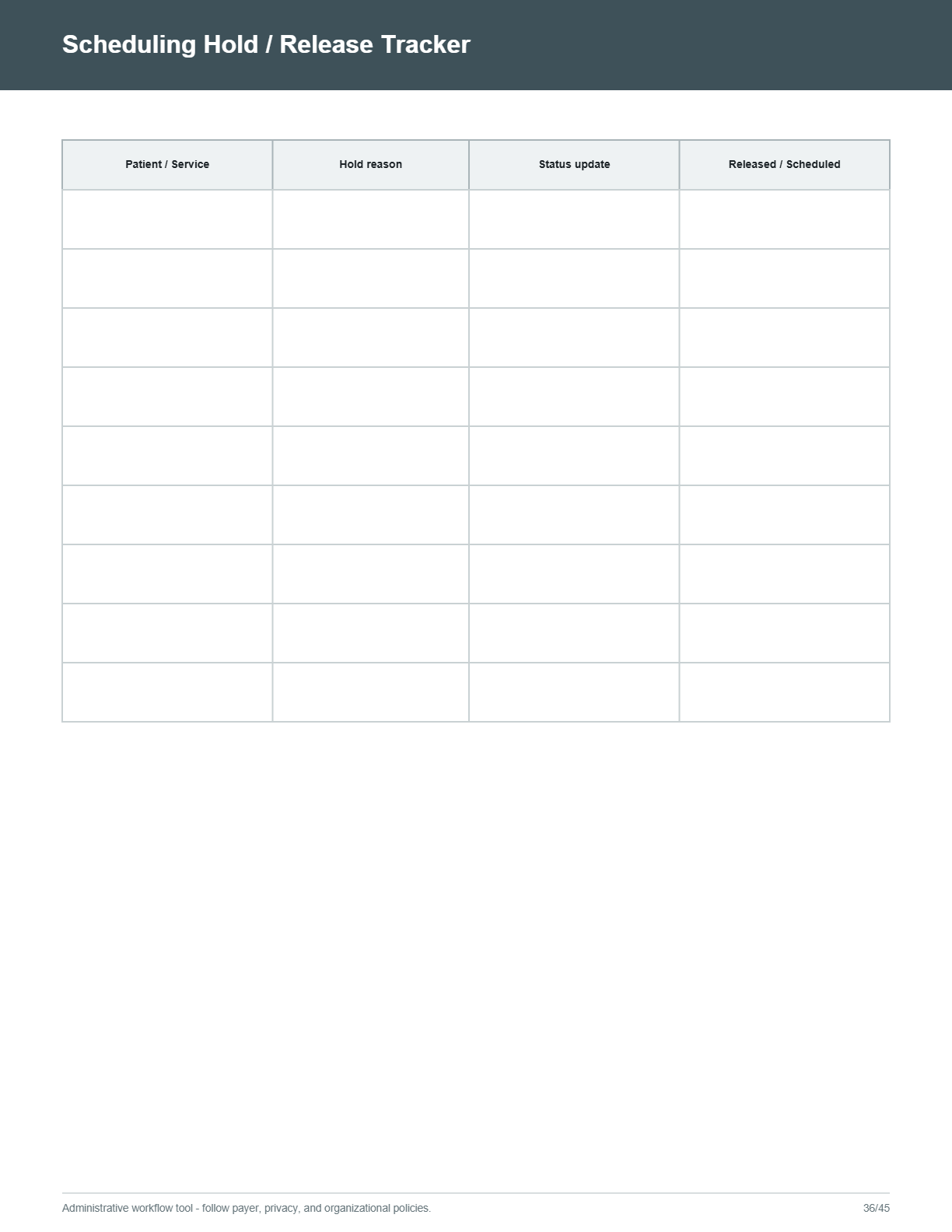
This prior authorization tracker is a comprehensive administrative workflow system for private medical practices, specialty clinics, medical office administrators, prior authorization specialists, insurance verification teams, billing staff, practice managers, and healthcare administrative teams. It brings case tracking, payer follow-up, authorization usage, renewal dates, appeals, staff assignments, and deadline monitoring into one organized command center.
Use the system to review open cases, identify overdue work, monitor upcoming 3-day, 7-day, and 30-day deadlines, track authorization expiration dates, document case activity, and organize follow-up tasks. The system is designed to support administrative organization and workflow visibility; it does not submit claims, contact payers automatically, verify coverage automatically, or provide medical, billing, coding, privacy, compliance, or regulatory advice.
What Is Included
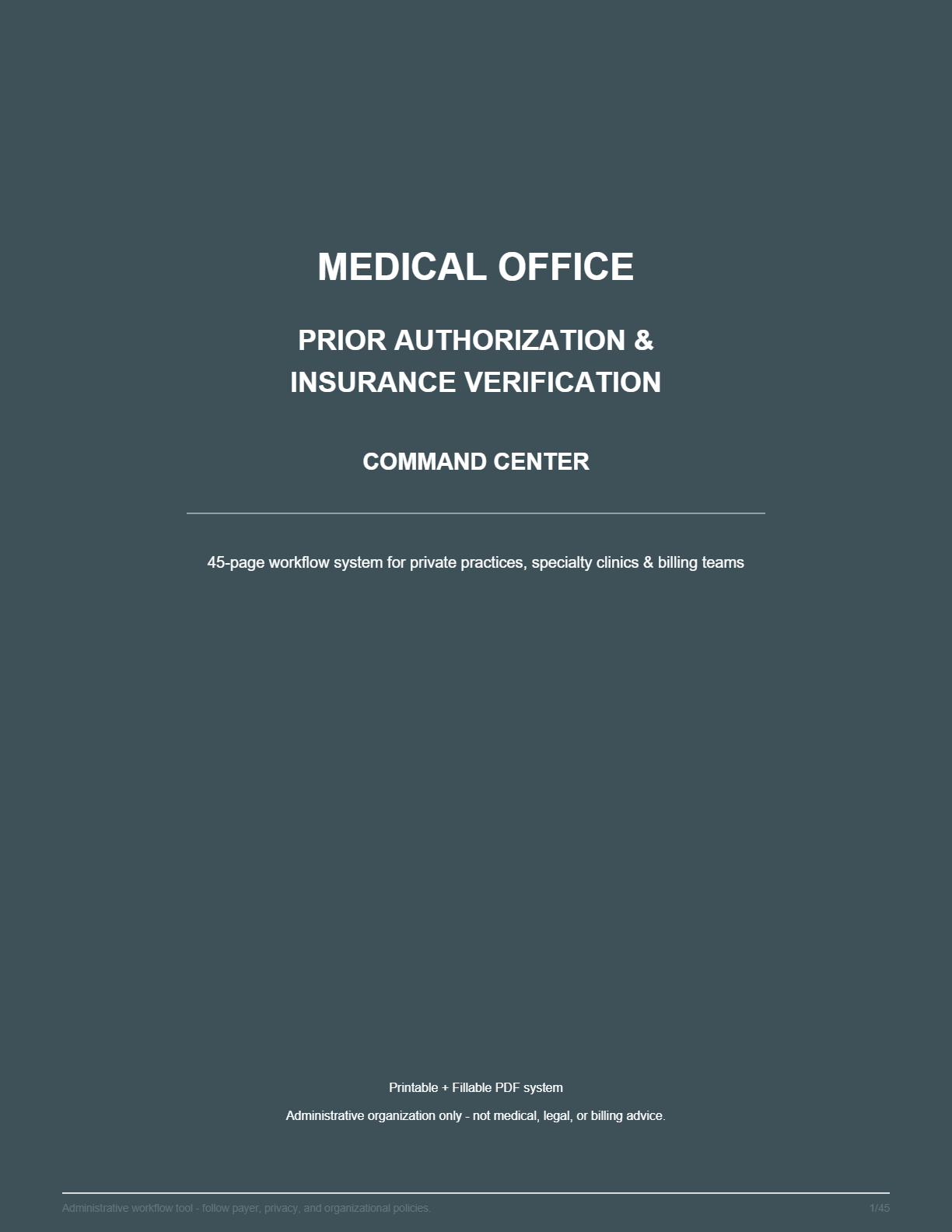
- 45-page Printable Command Center PDF
- 45-page Fillable Command Center PDF
- Excel Dashboard with Deadline Alerts
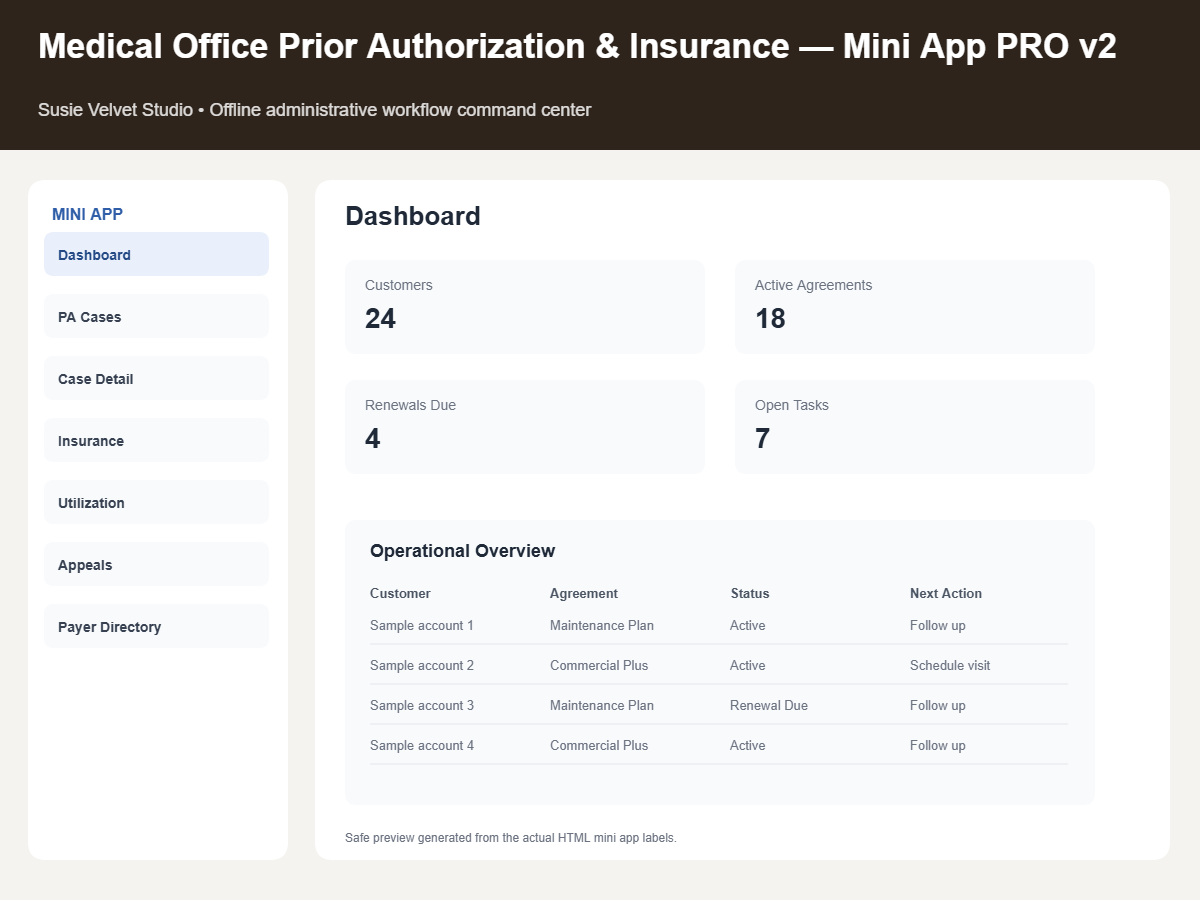
- Medical Office PA & Insurance Mini App PRO v2
- Quick-Start README
The downloadable file is provided as a digital product. No physical item will be shipped. The Mini App works locally in a compatible browser after download, with no recurring subscription, user account, or login required.
Prior Authorization Tracker and Daily Workflow Tools
The PRO v2 Mini App provides a faster operational view for daily case activity, while the Excel Dashboard supports detailed deadline monitoring. Included views and tools include:
- Executive Dashboard
- Prior Authorization Case Queue
- Case Detail View
- Activity & Follow-Up History
- Insurance Verification Log
- Authorization Utilization & Renewal Tracker
- Appeals & Peer-to-Peer Tracker
- Payer Directory
- Staff Workload Dashboard
- Automatic Priority Score
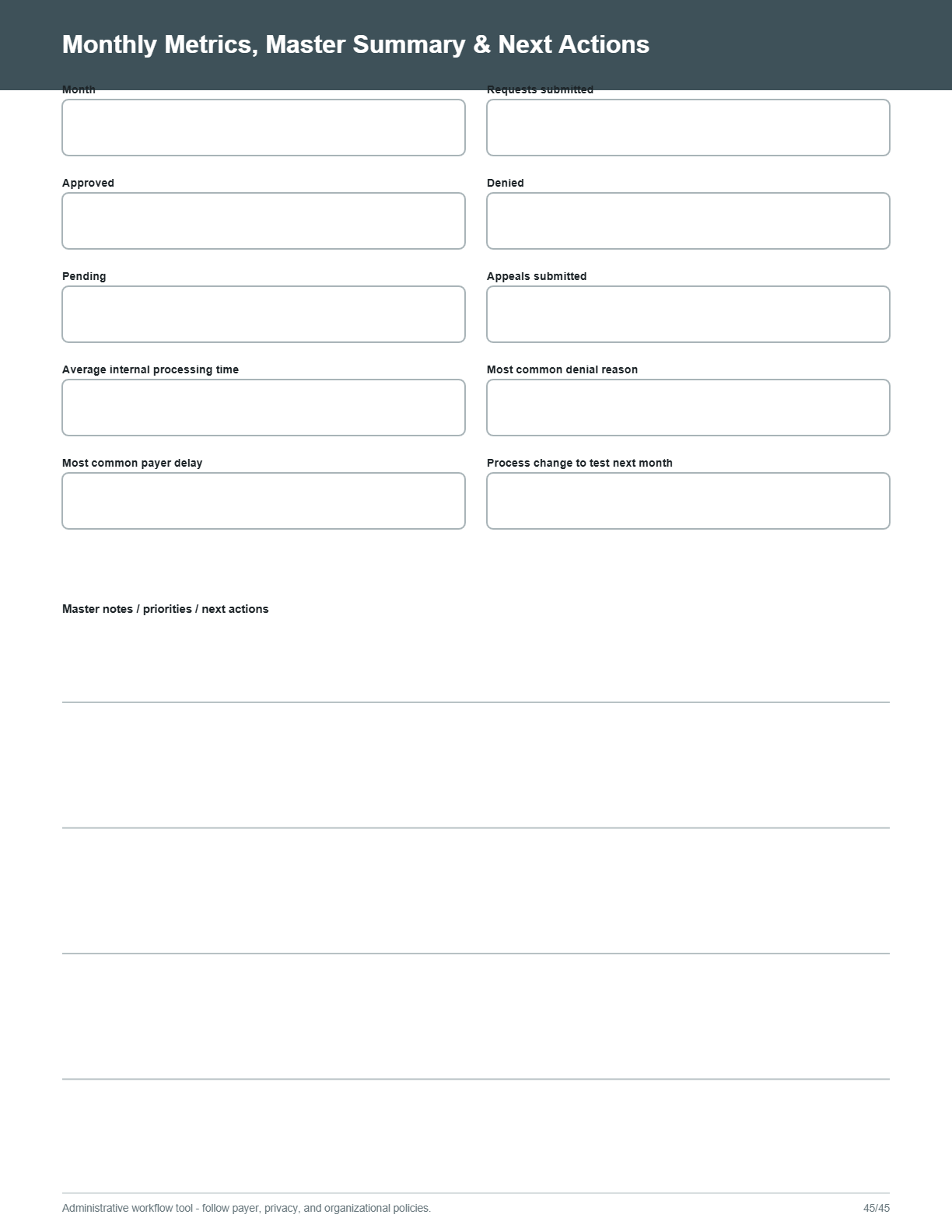
- Monthly Management Report
- Daily Work Queue
Workflow features include open case tracking, overdue alerts, 3-day, 7-day, and 30-day deadline views, authorization expiration tracking, insurance re-verification dates, medication PA tracking, imaging and procedure PA tracking, surgery and specialty-service tracking, and therapy and DME authorization tracking.
Track Follow-Ups, Usage, Appeals, and Workload
Keep administrative details connected to each case. Track units and visits allowed, used, and remaining; appeal deadlines; peer-to-peer activity; staff assignments; follow-up scheduling; and case activity timelines. Record calls, portal messages, faxes, and submission history, and maintain payer contact and portal information in the payer directory.
The automatic 0–100 priority score helps organize attention based on deadline proximity, urgency, and workflow status. Search and filtering support day-to-day review, while CSV export, JSON backup and restore, and Print / Save as PDF provide practical ways to work with and preserve administrative information.
Management Visibility for Medical Office Teams
The Staff Workload Dashboard shows how open work is distributed across staff. The Monthly Management Report provides summaries of submitted, approved, denied, open, and appealed cases, along with service-type and payer-mix reporting. These views can help practice managers and administrative teams review workflow activity at both the case and management levels.
Who This System Is For
This command center is intended for private medical practices, specialty clinics, practice managers, prior authorization specialists, insurance verification teams, billing staff, medical office administrators, healthcare administrative teams, and independent healthcare workflow consultants who need a structured way to organize prior authorization and insurance-related tasks.
Important Use Information
This is an administrative workflow and organization tool only. Users must independently verify payer-specific coverage, authorization requirements, deadlines, appeal rules, submission procedures, privacy obligations, and organizational policies. The Mini App should not be used to store Social Security numbers, passwords, banking information, full medical records, or other highly sensitive information. Use internal case references instead of patient names whenever possible.




Reviews
There are no reviews yet.